Do Small Websites Need to Worry About Crawl Budget?
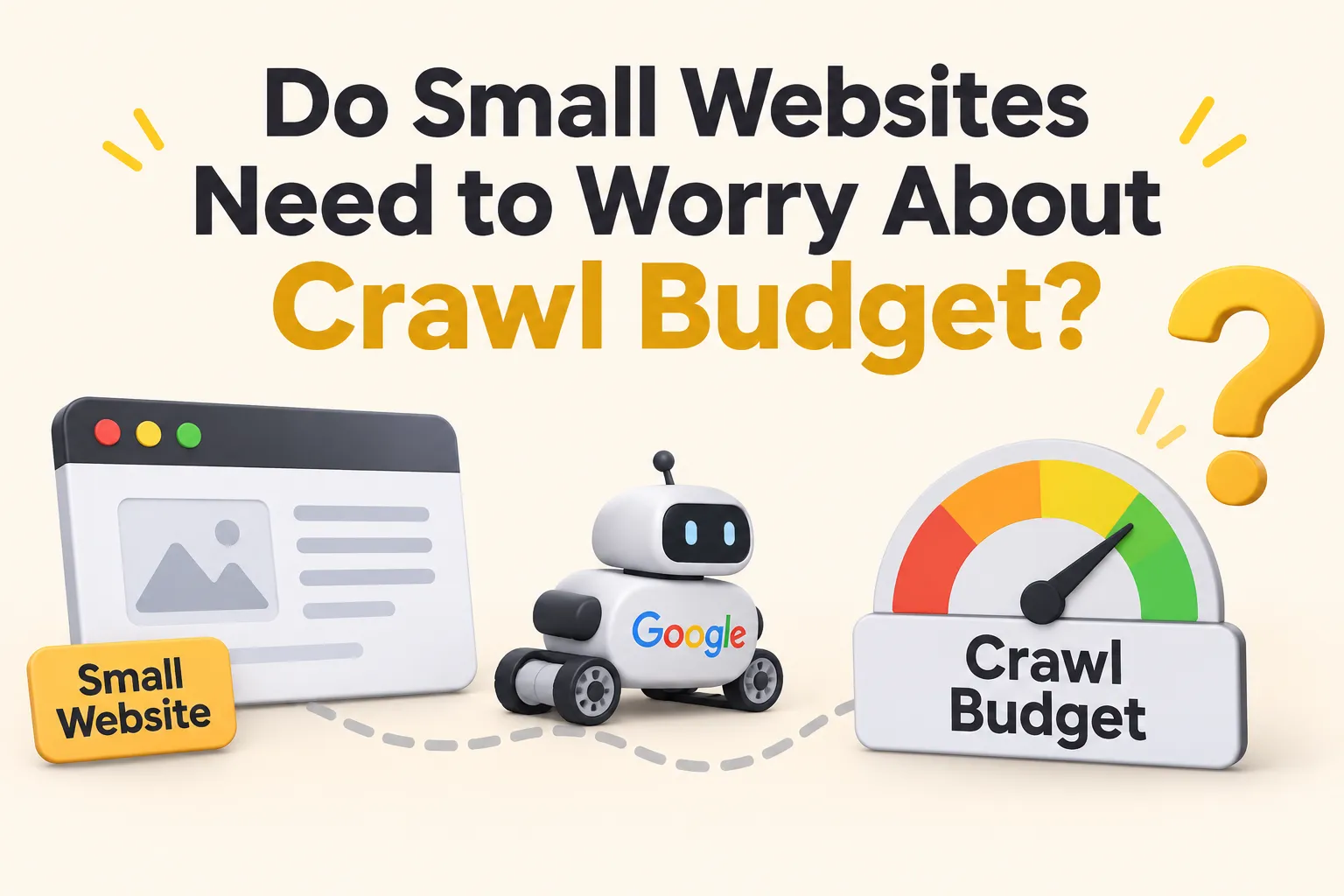
Generally, small websites won’t have any issues relating to crawl budget. It can become a problem if your site has a lot of thousands of URLs, lots of duplicate pages, frequent URL changes or technical issues preventing Googlebot from crawling.
As a small business website, it’s best practice to ensure your website is crawlable, technical issues are fixed and the internal linking structure is logical.
By understanding how Google crawls pages you’ll know if you actually have an issue with crawling or if you should be focusing elsewhere.
How Google Crawls and Discovers Pages on Your Website
Google will use automated software (Googlebot) to discover and crawl pages on your website. They will discover new URLs via links from other pages, internal links, external links and XML sitemaps.
However, just because they discover a URL doesn’t mean that Google will crawl it. Once they’ve discovered a URL, Google will crawl it to understand what’s on it. But not all discovered URLs will be crawled, indexed and shown in search results.
What is Crawl Budget and How Does Google Handle It?
Crawl budget refers to the amount of URLs Googlebot wants to crawl on your website. It can be affected by two factors:
Crawl capacity – This refers to how much Googlebot can crawl without affecting the server. Google will take into account how quick your server responds, errors and resources.
Crawl demand – This refers to how interested Google is to crawl certain URLs. If you have popular pages, frequently updated pages or important pages Google may be interested in crawling them.
Google will balance these two factors to decide how often they should visit your site.
If you have a large e-commerce site with 50,000 product URLs then you may need more crawling resources compared to a small business website with only 50 pages. You will also need to manage the product variations, filters, sort parameters and other URL variations.
However, having a large crawl budget won’t necessarily improve your rankings. Crawl budget isn’t used as a ranking factor. It’s best to have crawling resources focused on finding and processing important content.
Most small websites will have Google crawl their important pages.
When Can Crawl Budget Become an Issue?
Crawl budget becomes more relevant when Googlebot is spending too long crawling unimportant URLs. This is more common with sites with a large amount of URLs, complex structure and frequently changing content.
There are 3 types of websites that are more likely to face crawling issues.
Large Sites With Thousands of URLs
If your site has thousands of URLs, you should have a good crawling structure in place. This could include hundreds of service pages, location pages, category pages, product pages and information pages.
If your site isn’t managed well, Googlebot could be spending time crawling low value pages.
For example, if you have 20,000 URLs on your site you could have:
- Lots of old pages.
- Many URLs with similar content.
- Unwanted pagination/filter combinations.
- Redirected URLs.
- Orphan pages.
This can make it difficult for search engines to identify pages they should be crawling.
E-commerce Sites With Duplicate URLs
E-commerce sites often have many URLs for similar products and categories. You can have variations with filters, sort options, product variations and tracking parameters.
For example:
- /shoes/
- /shoes/?color=black
- /shoes/?size=9
- /shoes/?sort=price-low-to-high
Whilst they may show similar products, Googlebot can still find and request many variations.
If you have many unwanted URLs on your site, crawling resources could be wasted on pages that aren’t providing much extra value.
E-commerce sites should be careful to manage the parameters, canonical tags, internal links and indexing carefully to have an efficient crawling structure.
Sites With Frequently Published Content
Sites that publish content regularly may need to be crawled more frequently to allow Google to find new/updated pages.
For example, a news site with 50 articles per day will have different crawling requirements compared to a small business with 2 blog posts per month.
However, if you’re publishing regularly this doesn’t necessarily mean you have an issue with crawl budget.
The issue will become a problem if you’re constantly creating low value pages, duplicates and unnecessary URL variations. This could cause Googlebot to have more URLs to process.
It’s better to have a clear structure and provide meaningful content.
Common Technical SEO Issues That Can Cause Crawl Issues
Whilst you may not have a crawl budget issue on a small site, there may be technical SEO issues causing Googlebot to not crawl your important pages. These are often related to how search engines find your URLs, links and understand your site structure.
Fixing these issues should be a priority.
Duplicate URLs and Redirect Chains
Duplicate URLs can cause search engines to crawl multiple variations of the same content. This can often be due to having different URL variations, tracking parameters or links.
For example, you may have:
- https://example.com/services
- https://example.com/services/
- http://example.com/services/
- https://www.example.com/services/
You should try to keep URLs the same. Any unwanted variations should be redirected to your preferred URL.
Redirect chains can also cause issues. This occurs when one URL redirects to another URL, which then redirects to a third.
For example:
URL A > URL B > URL C > Final Page
Long redirect chains will cause more requests and make crawling less efficient. Try to update internal links so they link directly to the final page.
Internal Links Not Working
Internal links will help Googlebot find pages on your site and understand how they relate.
If your internal links are pointing to a broken URL you may get a 404 error.
For example, if you have a blog that links to a service page that has been removed during a site redesign and the links haven’t been updated, both users and search engines will hit a dead-end.
Regularly check your internal links to ensure:
- They don’t point to 404 pages.
- They don’t redirect to unwanted pages.
- They don’t point to important pages without internal links.
- They don’t point to incorrect URLs in navigation.
Having a logical internal link structure will help search engines find important pages.
Incorrect XML Sitemap
An XML sitemap will give search engines information about the important URLs on your site. This will help Google find pages, especially if they’re not easy to find via internal links.
However, just because you submit a sitemap doesn’t mean Google will crawl and index all your URLs.
If you have an incorrectly set up sitemap you may have:
- URLs that return 404 or 5xx errors.
- Redirected URLs.
- Blocked pages.
- Non canonical URLs.
- Duplicate URLs.
- Old pages.
A clean XML sitemap should have canonical and indexable URLs that you want search engines to find.
For a small site it’s more beneficial to have an accurate sitemap rather than trying to increase how many times Googlebot visits your site.
How to Find Crawl Issues Using Google Search Console
Google Search Console can be a useful tool to understand how Google interacts with your site. You can look at the page indexing and crawl stats reports to see if there are any crawl issues.
You don’t need to pay for crawling tools to start looking into some basic technical SEO issues. There are a few reports you can look at using Google Search Console.
1. Page Indexing Report
Go to Google Search Console > Indexing > Page Indexing.
Look through the different page statuses to see if there are any URLs that aren’t being indexed.
Look out for:
- Not found (404)
- Server Error (5xx)
- Redirect error.
- Blocked by robots.txt.
- Excluded by noindex.
- Duplicate pages with different canonical choices.
Not all excluded pages will be an issue. Duplicates and intentionally excluded pages can be completely fine. What you want to look out for are pages that should be indexed but aren’t.
2. Crawl Stats Report
This will tell you how much Google is crawling. It will show you total requests, average response time, response codes and file types.
Look out for any unusual changes.
For example, if you notice a sudden increase of server errors or a large increase in response times, Googlebot may be having issues crawling your site.
3. Check Individual Pages
Use the URL Inspection tool.
Search for an important service page or blog URL. Look at the indexing status, last crawled date, crawling allowed and canonical URL chosen.
4. Compare Pages Being Crawled To Important Pages on your Site
Make a list of your important pages. Compare these to the information in Search Console.
If Google isn't finding or crawling an important page look at the internal links, sitemap inclusion, robots.txt and server response.
This will help you identify real crawl issues.
How to Improve Crawlability on Small Sites
Small sites should focus on ensuring important pages are easy to find. You don’t need a complicated crawling strategy or advanced technical setup to have a healthy site.
A few basic technical SEO improvements can make a big difference.
1. Logical Site Structure
Ensure that your pages are in logical groups and ensure key pages can be easily accessed through your navigation, group pages and blogs.
Avoid having too many levels of navigation.
2. Link Audit
Make sure all the links on your website are linking to live pages. They should not be redirecting to something you do not want them to. Update your links so they are going to exactly where you want them to go.
This will make your site easier to navigate.
3. Current Sitemap
Ensure that your sitemap contains your key canonical pages and does not have outdated pages or unindexable pages. Ensure it is kept up to date when new pages are published, removed or major updates are made to key pages.
4. Robots.txt
Your robots.txt file lets Googlebot know which URLs it can crawl. Ensure that your key pages are not blocked.
This is just a guide to tell Googlebot which pages to crawl and should not be relied on to get a page removed from Google.
5. Quick Server
If your server is slow or unreliable this could affect how well Google can crawl your site. Ensure your server is quick, fix any recurring 5xx errors and ensure your key pages load quickly.
6. Avoid Duplicate URLs
Avoid creating duplicate URLs. Ensure you are managing your tracking parameters, duplicate pages and unwanted URLs.
7. Internal Linking
Ensure there are links between relevant blog, service and information pages. Ensure your anchor text is descriptive.
A good internal linking structure will help Google find your key content and improve the user experience.
These improvements will be more beneficial to a small site.
What Should Small Sites Focus On?
Rather than worrying about crawl budget, focus on improving the overall SEO of your site. As long as Google can access your important pages, find new content and process your updates there is usually no issue with crawl budget.
Focus on:
- Content – Provide original and useful content that will answer specific questions. Don’t create multiple pages that target the same search intent.
- Site structure – Ensure there is a clear structure between your homepage, service pages, category pages and blogs.
- Indexing – Ensure your important pages are indexable and unwanted pages are dealt with.
- Core Web Vitals – Ensure your site is performing well, mobile friendly, server responsively and has no errors.
- Internal Links – Link relevant pages together.
Regularly check how your site is doing organically. You can use Google Search Console to see if there are any changes to indexing, impressions, clicks and technical issues.
If you’re unsure if you have a real crawl issue, speaking to an experienced SEO professional can help you identify the real cause. You may also want to work with an SEO professional who understands site structure, technical audits and crawling. If you’d like professional advice, hire an SEO expert from Delhi.
Final Thoughts
Generally, small sites won’t have any issues with crawl budget. Unless you have specific technical issues stopping Googlebot from accessing your important pages it’s best to focus on keeping your site clean, fixing broken links, updating your XML sitemap and improving your internal links.
Crawl budget becomes more important as your site grows and you have thousands of URLs. Until then focus on ensuring your pages are easy to access, useful, technically sound and easy to navigate.
The aim is to ensure Google can find and access the most important pages.
If your site is well maintained, has useful content and a strong technical foundation, there will be fewer barriers for search engines to overcome when finding important pages. This is where you should focus your SEO efforts.